
Modern smartphones pack more processing power than early space shuttles, yet many of us use them primarily for calls, messages, and scrolling through social media. Tapping into the productivity features already sitting in your pocket can reclaim hours and reduce mental clutter. Start with the fundamentals: notification management. Instead of allowing every app to buzz and ping at will, head to settings and aggressively prune. Allow notifications only from essential apps – messages from real people, calendar alerts, and ride-share updates – while relegating everything else to a scheduled summary that arrives once or twice a day. This single tweak can slash interruptions that fragment attention and create a background hum of stress. On both iOS and Android, Focus or Do Not Disturb modes can be automated for work hours, dinner, and sleep, filtering what gets through to a pre-set list of people and urgent notifications.
Advertisement
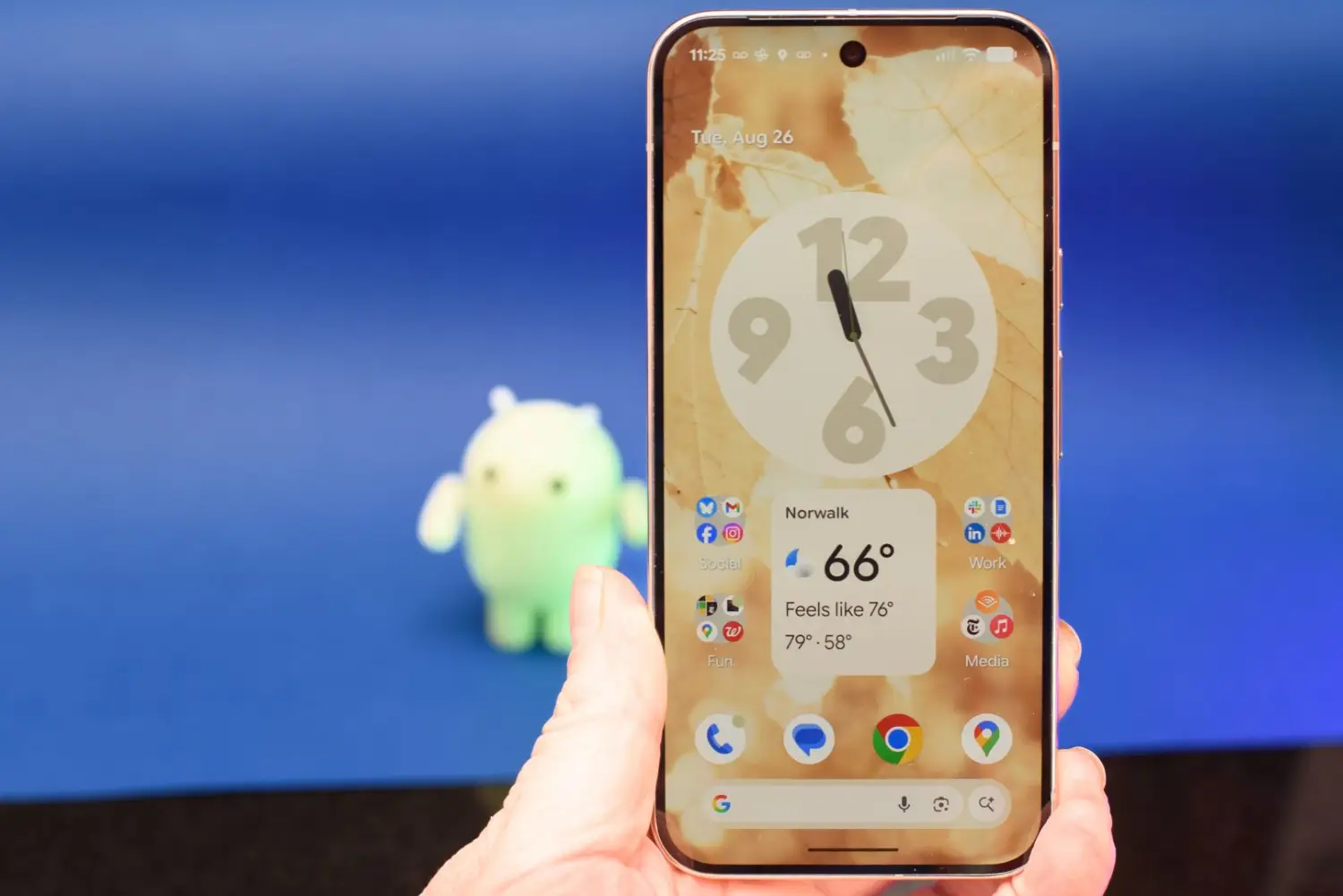
The home screen itself can be a tool or a trap. A screen crowded with colourful app icons invites mindless tapping. Embrace widgets that show bite-sized, actionable information – your calendar for the day, a to-do list, weather, and a note-taking quick capture – without opening an app. On iPhones, the combination of stacks and the App Library automatically tucks lesser-used apps away, while Android’s app drawer combined with a minimalist desktop achieves the same. Place only frequently used productivity tools on the main screen: a task manager like Todoist or Microsoft To Do, your email client, a note app, and perhaps a habit tracker. Move entertainment apps to a secondary page or folder, introducing a tiny friction that encourages more deliberate engagement. This spatial organisation sends a subtle message to your brain about the device’s intended purpose.
Voice assistants have grown remarkably capable and can act as hands-free personal secretaries. While cooking, driving, or walking the dog, you can dictate a reminder — “Hey Google, remind me to pay the electricity bill at 8pm” — or add an item to a shared shopping list. Modern assistant routines chain multiple actions; a “Driving” routine could read out your calendar, message your partner your ETA, and start a playlist, all triggered by connecting to the car’s Bluetooth. Dictation accuracy has improved so much that many professionals now draft emails or documents by voice and then polish the text, saving significant typing time. This shift from tapping to speaking keeps your eyes up and your hands free, reducing posture strain and creating micro-pockets of efficiency.